






Professional solutions for easy management and deployment
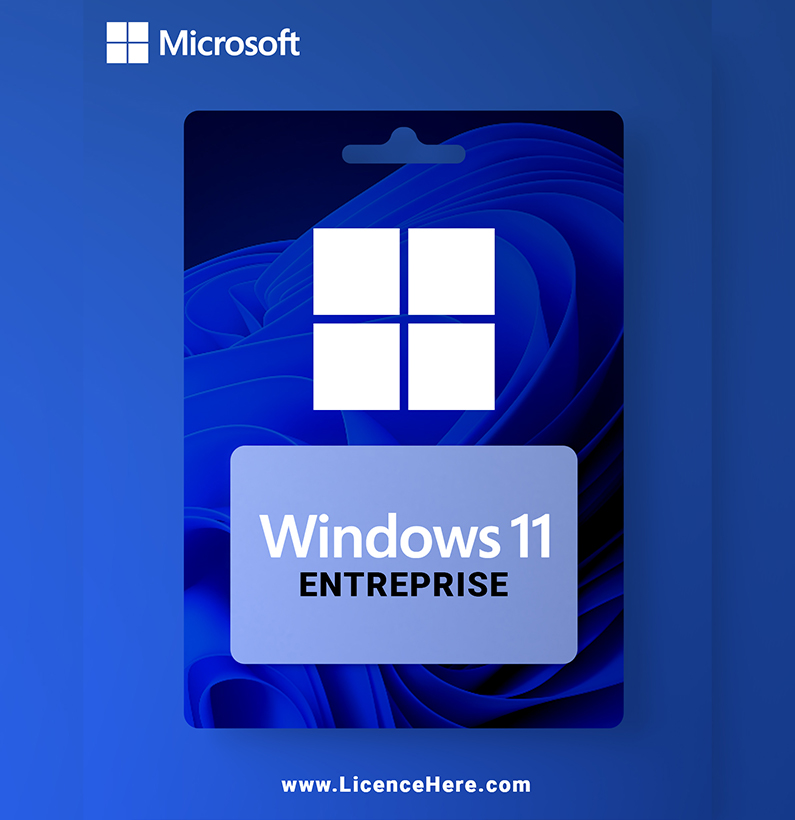
Want to use Windows 11 for your business or integrate it into your organization? There are several business solutions available. They make it easy to manage and deploy.

The following business solutions are included :
Assigned Access
Dynamic provisioning
Enterprise State Roaming with Azure
Group Policy
Kiosk Mode Setup
Microsoft Store for the enterprise
Mobile Device Management
Active Directory Support
Azure Active Directory Support
Windows Update for the enterprise

Overview of new features and functions
If you decide to download Windows 11 via ISO, you will get many new features and functions. These are listed below:
Multiple Desktops: To keep track of multiple programs and folders, multiple desktops are possible in Windows 11. Switch between desktops quickly and easily for better organization.
Microsoft Teams: Reach your private or business contacts directly from your desktop. One click on the Microsoft Teams icon shows you all your contacts in a compact view. Text chats, calls and video calls are instantaneous from there.
Widgets: Do you regularly check important information such as the weather or current stock prices? Now these and more can be grouped into widgets and displayed clearly.
High-resolution graphics: Experience crisp, high-resolution graphics in the Windows 11 user interface or in games. Especially in games, individual details are displayed realistically and are very enjoyable.
Microsoft Store: New functions and applications offer you even more variety and possibilities. This applies to both private and professional use.
Microsoft Edge: Whether for online banking, reading the news or searching while you work, Microsoft Edge is fast, secure and fun. Surf the web like never before.
Instant layouts: Arrange multiple windows next to each other without overlapping. All open windows fit neatly into the grid when docked to another.
Voice, touch and pen input: If you want to send messages to your contacts, you can choose between different input options. You can choose between voice, touch and pen input.
Activate using a product key
A product key is a 25-character code, that looks like this:
PRODUCT KEY: XXXXX-XXXXX-XXXXX-XXXXX-XXXXX
During installation, you’ll be prompted to enter a product key. Or, after installation, to enter the product key, select the Start button, and then select Settings > System > Activation > Update product key > Change product key.




Reviews
There are no reviews yet.