




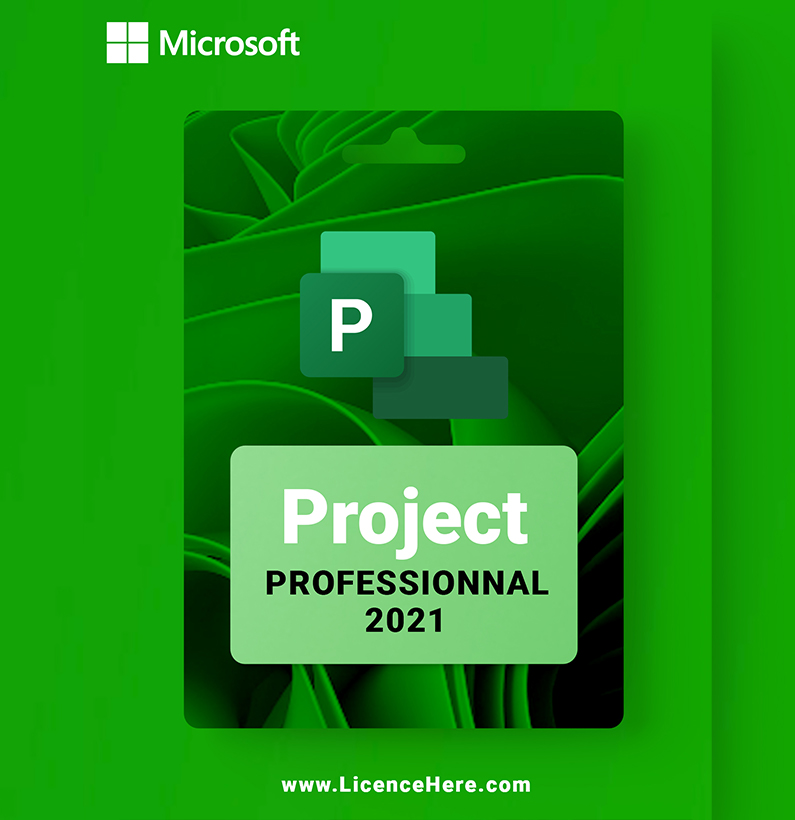


Microsoft Project 2021 pro: Professional and efficient project management
Microsoft Project 2021 pro is a comprehensive and professional project management program. With it, you can create, manage and optimise projects within a company, taking into account all relevant information and data from individual processes.
Small and large companies as well as freelancers benefit from the numerous templates and functions. It does not matter in which area or sector you want to use Microsoft Project 2021. You will receive numerous tools that are ideally suited to you. Semi-automatic and intelligent tools are also used, for example to perform analyses and receive suggestions for solutions.

features of Microsoft Project 2021 pro
Save time with ready-made templates by simply entering or importing your project data. You can choose from different templates for different areas.
Your project planning is completed in just a few steps. No further configuration is required.
Thanks to the automated planning functions, you can find and optimise inefficient processes. The same applies to the training effort, which becomes more efficient.
Create different types of diagrams with familiar tools. For example, the famous Gantt chart is included. It allows you to create schedules quickly and easily.
Are you a beginner and not yet familiar with Microsoft Project 2021? In a step-by-step tutorial, you will be guided through all the important functions. This will help you to get started quickly and comfortably.
Do you want to know the actual status of your project? Compare it with the original project plan.
If you want to transfer project information to documents (Word, Excel, etc.), simply copy it into Project 2021.

Project 2021 Professional System Requirements
- Processor: Dual core processor with at least 1.6 GHz or faster
- Working memory (RAM): 4 GB
- Hard disk space: 4 GB
- Graphics card / monitor: Graphics card with DirectX 9 or higher and WDDM 2.0 support; resolution of 1280 x 768 pixels; 32-bit systems require hardware accelerated playback of at least 4K.
- Operating system: Windows 11, Windows 10, Windows 10 LTSC 2021, Windows 10 LTSC 2019, Windows Server 2022 or Windows Server 2019.
- Other requirements: An Internet connection is required for activation and Internet functions



Reviews
There are no reviews yet.